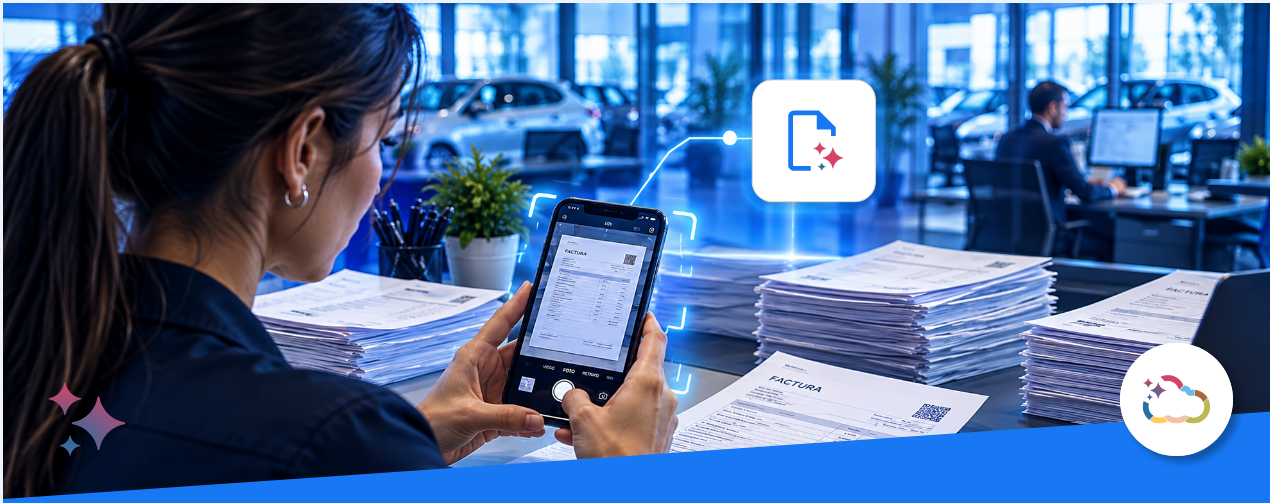
The first AI assistant launched by Autologica is much more than an invoice reader. It’s a tool 100% integrated into the DMS that understands the needs of the administrative department and accounts for every obstacle involved in entering expense invoices.
The goal? To stop spending time on a repetitive, tedious task, get information into the system much faster, and reduce the errors that come with manual entry.
How does AVA Documents work day to day?
From the web, you can upload one or multiple miscellaneous expense invoices in different formats: JPG, PNG, PDF, or by taking a photo.
AVA will interpret every piece of data it sees:
- Vendor (CUIT, VAT status)
- Voucher type and number
- Issue date
- CAE and its expiration date
- Line concepts
- Due dates
- Invoice line item details
- Taxes
- Gross income tax (IIBB) withholdings
This is where the biggest differentiator shows
- Whoever uploads the invoices can do a visual check and, if needed, edit any field.
- If the vendor is already in the DMS, it shows the Goods or Services for tax calculations, letting you choose the one you need. This information is pulled from the DMS.
- If the vendor doesn’t exist, it can be created right there, saving a great deal of time. This information is sent to the DMS.
- Do you work with Cost Centers? You can choose the posting account, or select the cost center before processing the voucher to allocate the expenses to the various associated accounts.
- Do you work with Payment Authorization? In that case, when you upload an invoice, you’ll have the option to define which system user must authorize that payment.
- Invoices with non-VAT taxes? This applies, for example, to fuel in Argentina. Besides the price and VAT, there are the ICL and IDC taxes. AVA identifies them, itemizes them, and loads them so they’re posted correctly.
- Usage reports for auditing the tool. You’ll have reports showing which invoices were uploaded, which were modified, and which user made the changes. This provides greater control.
A constantly evolving tool
This first version of AVA Documents already translates into a 60% time savings (or even more) when entering miscellaneous expense invoices. But it doesn’t stop there: the goal is for it to keep supporting the administrative team by removing repetitive tasks, so they can invest every minute in projects, planning, and more valuable tasks for the department.
Subscribe to the blog
Receive the new articles via email. No spam; you can unsubscribe whenever you want.